
Unlock your potential with Allthenticate
rm -rf ~/.ssh
rm -rf ~/.ssh
The Allthenticator app providers passwordless access to SSH, sudo, git, and more, across ALL your machines.
The best authenticator on Earth
The best authenticator on Earth
Free for personal use


Unlock your potential with Allthenticate
rm -rf ~/.ssh
The Allthenticator app providers passwordless access to SSH, sudo, git, and more, across ALL your machines.
The best authenticator on Earth
Free for personal use

Built on decades of hard work and research, Allthenticate is on a mission to secure everyone’s digital life.
sudo
without the struggle
Enjoy passwordless nirvana with the Allthenticator app
Enjoy passwordless nirvana with the Allthenticator app
The Allthenticator app is your universal Bluetooth Low Energy (BLE) authenticator. Storing your SSH keys, passkeys, OTP codes, and authenticate keys securely in the hardware on your phone.
The Allthenticator app is your universal Bluetooth Low Energy (BLE) authenticator. Storing your SSH keys, passkeys, OTP codes, and authenticate keys securely in the hardware on your phone.
Passwordless sudo in milliseconds
Uses Pluggable Authentication Module (PAM) for passwordless experience on macOS and Linux and FIDO2 authentication on Windows
Authenticate sudo commands instantly when your phone is nearby — no password required.
Zero passwords, zero friction, zero headaches
Maximum Security Benefits, Zero Compromise
Maximum Security Benefits, Zero Compromise
Security shouldn’t be a burden
Security shouldn’t be a burden

🔑
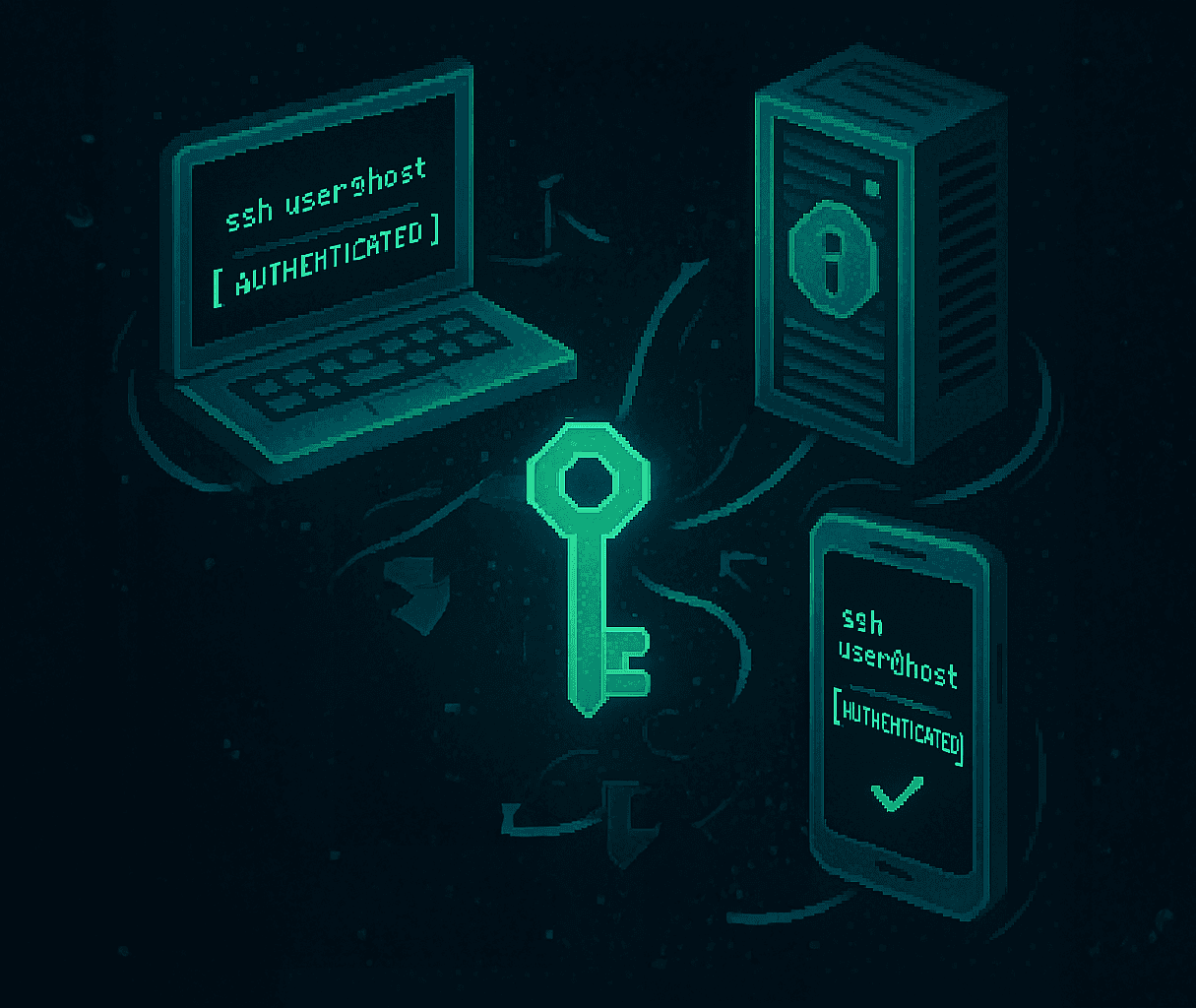
Easy SSH key management
Store your SSH key securely in your phone ‘s Secure Element.
Use the same SSH key across all devices, streamlining your workflow.
Survives new computers and phones with patented decentralized backup mechanism (Rescue Teams).
Auto-sync authorized_keys
Paid customers can automatically sync their authorized_keys file on their servers with our cloud-based infrastructure.
Make sure that all developers have access to the servers they need.
Never forget to remove an ex-employee’s public key from a critical asset

Uses Bluetooth Low Energy
Our Bluetooth connection creates a mutually authenticated channel between your phone and computer that:
Authenticates automatically when nearby
Locks when you walk away
Works offline, no internet needed
Physical proximity provides stronger security with less hassle.
GIT’R DONE!
Easily sign ALL Git commits without thinking twice
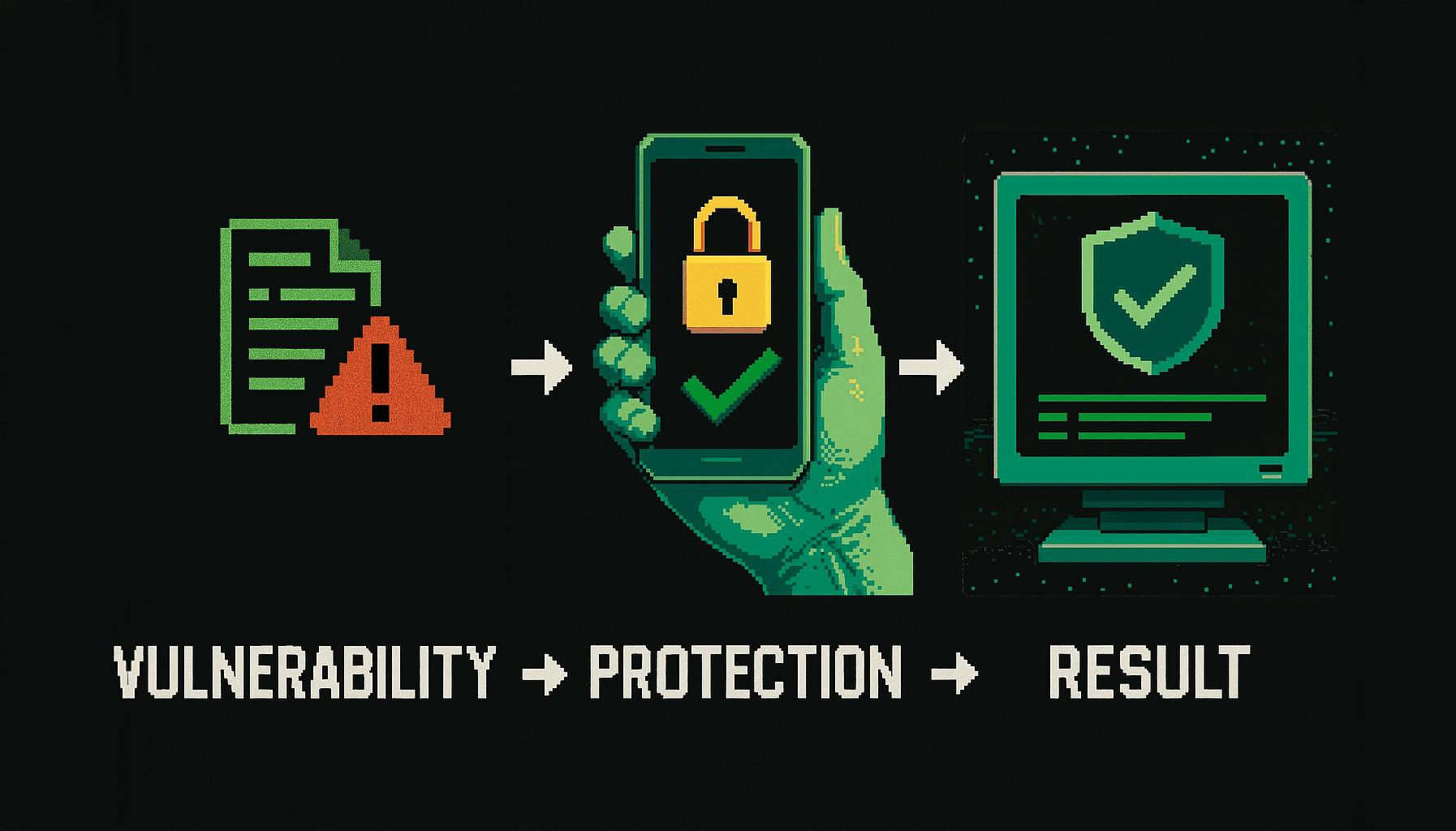
Did you know that 67% of developers don’t sign their Git commits, leaving them vulnerable to impersonation? With Allthenticator, every commit is automatically signed with cryptographic proof that you were physically present.
Did you know that 67% of developers don’t sign their Git commits, leaving them vulnerable to impersonation? With Allthenticator, every commit is automatically signed with cryptographic proof that you were physically present.
It is currently trivial to spoof git commits
$ git log --show-signature
commit a7f8d9e… (signed with SSH key)
Author: Your Name
Date: Wed Mar 18 15:30:22 2025 -0400
Fix critical security vulnerability
Git Commit
JD
JD
Jane Developer
Jane Developer
just now
just now
Verified
Verified
Add authentication service
Add authentication service
Implemented secure authentication flow with Allthenticator integration.
This was committed and signed with the SSH key on my phone.
Implemented secure authentication flow with Allthenticator integration.
This was committed and signed with the SSH key on my phone.
4 files changed
4 files changed
+128
+128
-42
-42
1337
1337
3
3
SA
SA
TJ
TJ
RK
RK
Ditch Your Old Authenticator
Stay in flow state as Allthenticate handles authentication for sudo commands, git commit signing, and SSH access across all your machines—going beyond OTPs with SSH key management and instant sudo in one app.
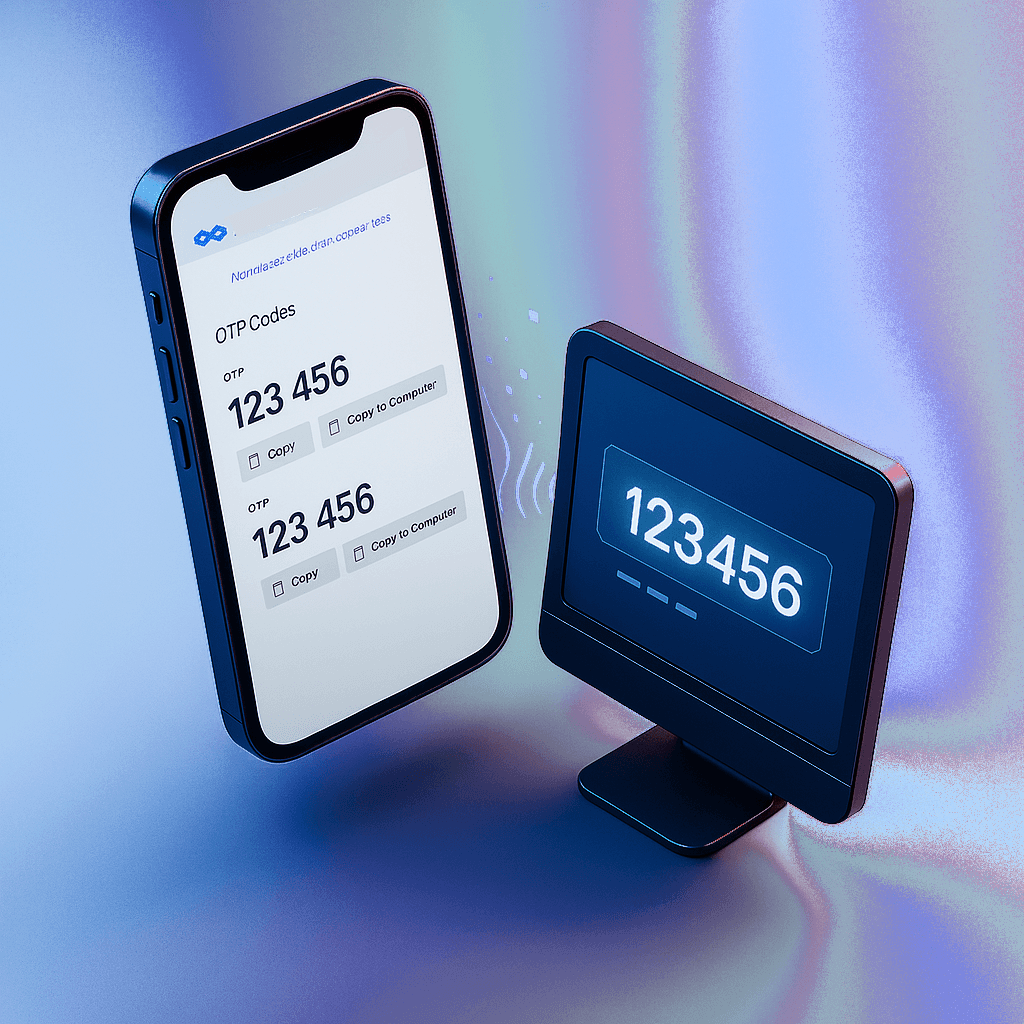
Secure OTP Management
Secure OTP Management
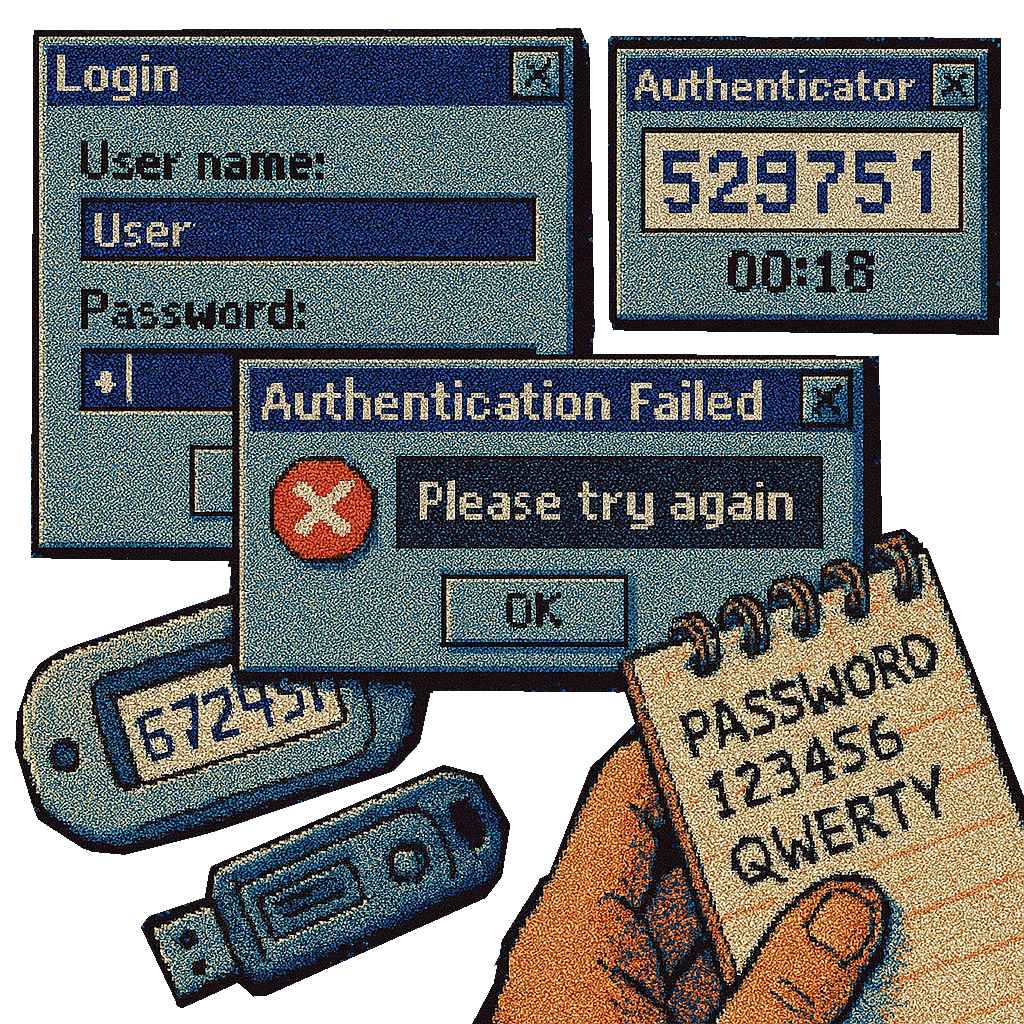
Store OTP codes in the same app. Tap to type OTPs on your computer (coming soon).
Store OTP codes in the same app. Tap to type OTPs on your computer (coming soon).
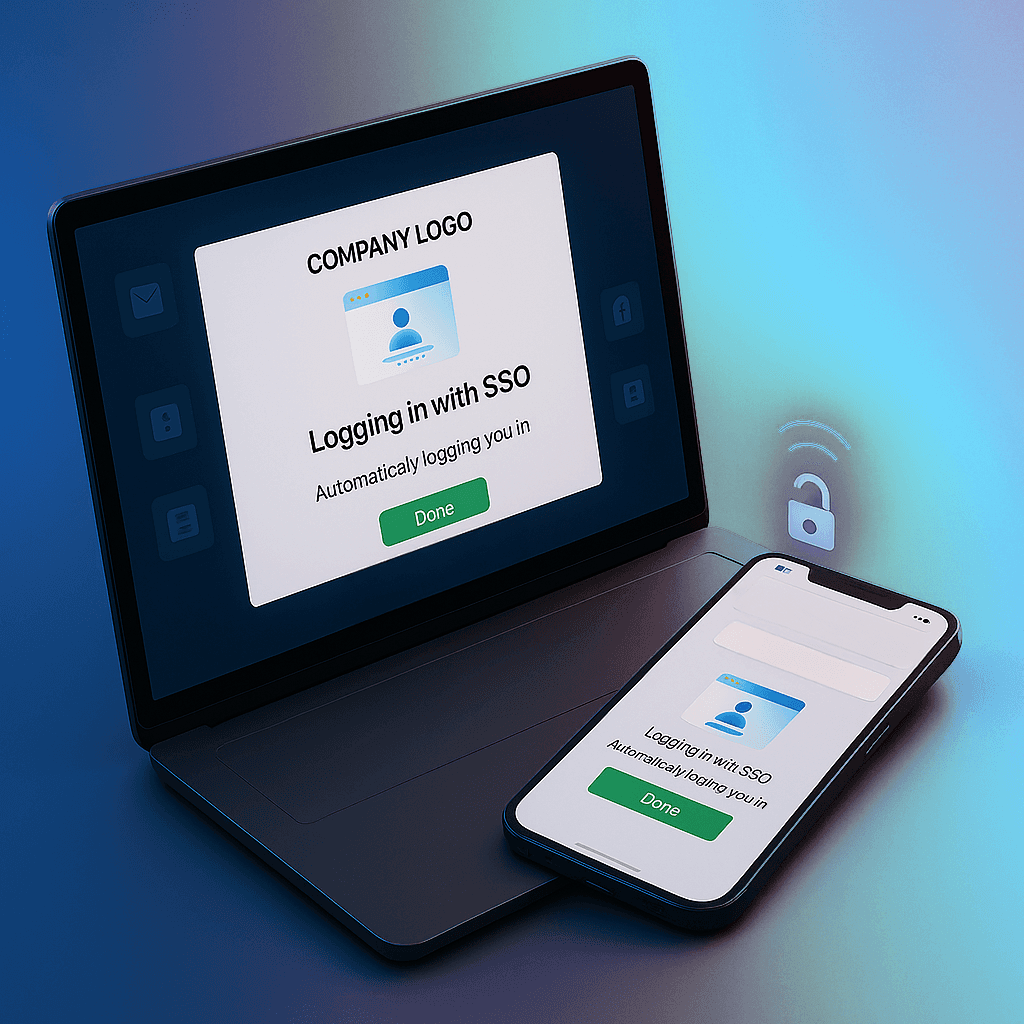
Proximity Login for SSO Websites (Paid Version)
Proximity Login for SSO Websites (Paid Version)
Instantly log into SSO websites when your phone is nearby.
Instantly log into SSO websites when your phone is nearby.
Truly Decentralized Security
Truly Decentralized Security
Your Keys, Your Control
Your Keys, Your Control
Your Keys, Your Control
Your private keys never leave your phone. Unlike cloud-based password managers or synced passkeys, your credentials stay right where they belong - in your pocket, protected by hardware security.
Your private keys never leave your phone. Unlike cloud-based password managers or synced passkeys, your credentials stay right where they belong - in your pocket, protected by hardware security.
No synced passkeys, no risk of exposure via cloud storage.
No synced passkeys, no risk of exposure via cloud storage.
A FIDO Passkey That’s Device-Bound
Unlike synced passkeys that create multiple copies of your
credentials (making them vulnerable to theft), our passkeys stay locked to your device’s hardware security elements.
Unlike synced passkeys that create multiple copies of your
credentials (making them vulnerable to theft), our passkeys stay locked to your device’s hardware security elements.
Allthenticator implements the FIDO2 standard as a device-bound authenticator - bringing you the security of a YubiKey with the convenience of your phone.
Allthenticator implements the FIDO2 standard as a device-bound authenticator - bringing you the security of a YubiKey with the convenience of your phone.
Since your credentials never leaves your device, they can’t be intercepted, stolen, or copied without physical access to your phone—and even then, they’re protected by hardware.
Since your credentials never leaves your device, they can’t be intercepted, stolen, or copied without physical access to your phone—and even then, they’re protected by hardware.
Hardware-backed security (SE/TEE)
Hardware-backed security (SE/TEE)
FIDO2 certified
FIDO2 certified
No credential syncing or duplication
No credential syncing or duplication
Back up keys securely—no central servers required.
Back up keys securely—no central servers required.
“But what happens if I lose my phone!?”
We’ve got you covered with our patented Rescue Mission
architecture that lets you securely back up your keys with trusted friends and family.
We’ve got you covered with our patented Rescue Mission
architecture that lets you securely back up your keys with trusted friends and family.
Introducing Rescue Missions
Introducing Rescue Missions
Developed after years of research, our Rescue Mission uses Shamir’s Secret Sharing (the same cryptography
protecting nuclear launch codes) to securely backup your phone with your friends and family.
Developed after years of research, our Rescue Mission uses Shamir’s Secret Sharing (the same cryptography
protecting nuclear launch codes) to securely backup your phone with your friends and family.
1
Your keys are split
2
Shares given to trusted contacts
3
Threshold recovery
You need only get in touch with 3 of your close friends to recover everything - making key recovery both secure and convenient. No more painful re-keying of all your systems when you get a new phone or computer!
You need only get in touch with 3 of your close friends to recover everything - making key recovery both secure and convenient. No more painful re-keying of all your systems when you get a new phone or computer!
Feature Comparison
Feature Comparison
What makes Allthenticate stand out
What makes Allthenticate stand out
A comprehensive comparison of authentication solutions
A comprehensive comparison of authentication solutions
Feature
Feature
Allthenticator
Allthenticator
Password Managers
Password Managers
Hardware Keys
Hardware Keys
MFA Apps
MFA Apps
SSH Management
SSH Management
Phone-based with
cross-machine access
Phone-based with
cross-machine access
N/A
Limited support
Limited support
N/A
Git Integration
Git Integration
Commit signing via
phone’s secure element
Commit signing via
phone’s secure element
N/A
Limited signing
Limited signing
N/A
sudo Commands
sudo Commands
Proximity-based
approval without passwords
Proximity-based
approval without passwords
N/A
Physical insertion
Physical insertion
Prompt on phone
Prompt on phone
Offline Capability
Offline Capability
Full functionality without internet
Full functionality without internet
Often requires cloud
Works offline
Works offline
Requires internet
Requires internet
Implementation
Implementation
Same for all systems
Same for all systems
Browser-bound
Per-device setup
Per-device setup
Per-service setup
Per-service setup
Security Architecture
Security Architecture
Decentralized, no single failure point
Decentralized, no single failure point
Centralized cloud-based vault
Centralized cloud-based vault
Device-bound, limited
Device-bound, limited
Cloud-dependent
Cloud-dependent
Recovery
Recovery
Distributed threshold cryptography
Distributed threshold cryptography
Email/reset vulnerability
Email/reset vulnerability
Complete replacement
Complete replacement
Backup codes
Backup codes
Feature Comparison
Feature Comparison
Why Allthenticator
Stands Out
Why Allthenticator
Stands Out
A comprehensive comparison of
authentication solutions
A comprehensive comparison of
authentication solutions
SSH Management
SSH Management
Allthenticator
Allthenticator
Hardware-backed with
cross-machine access
Hardware-backed with
cross-machine access
Password Managers
Password Managers
N/A
N/A
Hardware Keys
Hardware Keys
Limited support
Limited support
MFA Apps
MFA Apps
N/A
N/A
Git Integration
Git Integration
Allthenticator
Allthenticator
Commit Signing via phone’s secure element
Commit Signing via phone’s secure element
Password Managers
Password Managers
N/A
N/A
Hardware Keys
Hardware Keys
Limited signing
Limited signing
MFA Apps
MFA Apps
N/A
N/A
sudo Commands
sudo Commands
Allthenticator
Allthenticator
Proximity-based approval without passwords
Proximity-based approval without passwords
Password Managers
Password Managers
N/A
N/A
Hardware Keys
Hardware Keys
Physical insertion
Physical insertion
MFA Apps
MFA Apps
Prompt on phone
Prompt on phone
Offline Capability
Offline Capability
Allthenticator
Allthenticator
Full functionality without
internet
Full functionality without
internet
Password
Managers
Password
Managers
Often requires cloud
Often requires cloud
Hardware Keys
Hardware Keys
Works offline
Works offline
MFA Apps
MFA Apps
Requires internet
Requires internet
Implementation
Implementation
Allthenticator
Allthenticator
Same for all systems
Same for all systems
Password
Managers
Password
Managers
Browser-bound
Browser-bound
Hardware Keys
Hardware Keys
Per-device setup
Per-device setup
MFA Apps
MFA Apps
Per-service setup
Per-service setup
Security Architecture
Security Architecture
Allthenticator
Allthenticator
Decentralized, no single
failure point
Decentralized, no single
failure point
Password Managers
Password Managers
Centralized cloud-based vault
Centralized cloud-based vault
Hardware Keys
Hardware Keys
Device-bound, limited
Device-bound, limited
MFA Apps
MFA Apps
Cloud-dependent
Cloud-dependent
Recovery
Recovery
Allthenticator
Allthenticator
Distributed threshold
cryptography
Distributed threshold
cryptography
Password
Managers
Password
Managers
Email/reset
vulnerability
Email/reset
vulnerability
Hardware Keys
Hardware Keys
Complete replacement
Complete replacement
MFA Apps
MFA Apps
Backup codes
Backup codes
And as far as privacy concerns, it’s right there on the app store:
And as far as privacy concerns, it’s right there on the app store
We aren’t kidding, we value privacy.
App Privacy
App Privacy
The developer, Allthenticate, Inc, indicated that the app’s privacy practices may include handling of data as described below. For more information, see the developer’s privacy policy
The developer, Allthenticate, Inc, indicated that the app’s privacy practices may include handling of data as described below. For more information, see the developer’s privacy policy
Data Not Collected
Data Not Collected
The developer does not collect any data from this app.
The developer does not collect any data from this app.
Privacy practices may vary, for example, based on the features you use or your age.
Privacy practices may vary, for example, based on the features you use or your age.
Ready to simplify and secure your workflow?
Download Allthenticator today!
Start using Allthenticator today and experience a truly passwordless, seamless
authentication flow designed specifically for developers.
Start using Allthenticator today and experience a truly passwordless, seamless authentication flow designed specifically for developers.
Free for Personal Use
Free for Personal Use
Go passwordless in less than 30 seconds
Go passwordless in less than 30 seconds
For macOS, Windows & Linux
For macOS, Windows & Linux
Download
Download
macOS 11 or higher
Windows 10 or higher
Ubuntu
macOS 11 or higher
Windows 10 or higher
Ubuntu
All Core Features Included
All Core Features Included
SSH key management, sudo authentication, Git commit signing
SSH key management, sudo authentication, Git commit signing
OTP Support
OTP Support
✨ Coming Soon: Tap any OTP code on your phone to instantly type it on your connected computer. No more manual copying or typing time-sensitive codes.
✨ Coming Soon: Tap any OTP code on your phone to instantly type it on your connected computer. No more manual copying or typing time-sensitive codes.
Multi-Device Support
Multi-Device Support
Use your SSH key across all your devices
Use your SSH key across all your devices
PAM Integration
PAM Integration
System-wide passwordless authentication
System-wide passwordless authentication
PAID FEATURES
PAID FEATURES
Business plan features
Business plan features
Built on Decades of Research
Built on Decades of Research
Allthenticate is backed by FUTO and built on
research from Carnegie Mellon, MIT Lincoln Laboratory, IBM Research, and UCSB.
Allthenticate is backed by FUTO and built on
research from Carnegie Mellon, MIT Lincoln Laboratory, IBM Research, and UCSB.